Poshmark sellers
On-model cover shots for your Poshmark closet
A cover photo of the item being worn gets more attention in the feed than a hanger shot. Upload your closet photo, pick a model preset, and choose Square so it fits the listing tile.
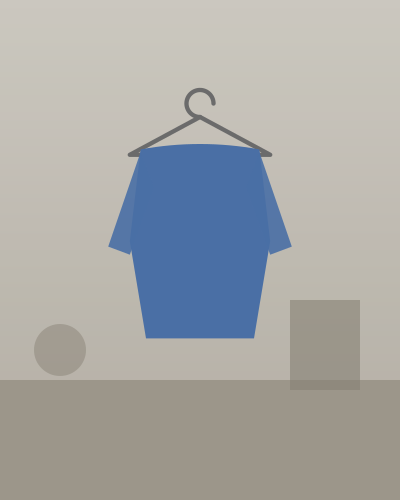 Before
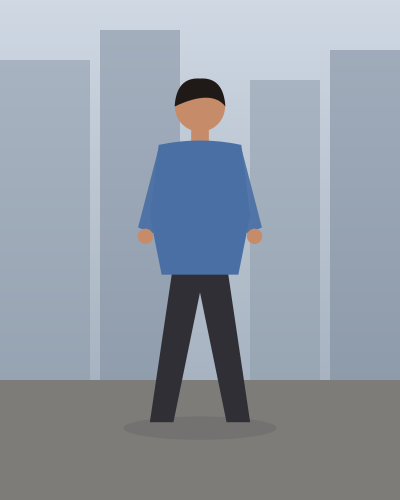 After
Square by default
Choose Square (1:1) so your cover photo is not cropped in the feed.
Fast for resellers
About 30 seconds a photo, so you can refresh a whole closet in an evening.
Keep it accurate
Show the real item too, including any flaws, in the photos after the cover.
Tips for the best results
- Use a clear, flat or hanger photo with the whole garment in frame.
- Use the on-model photo as the cover, then add your real photos and close-ups of tags and any wear.
- Follow Poshmark's listing guidelines and describe condition accurately.
Recommended styles
- Studio, woman
- Studio, man
- City street
- Studio, relaxed pose
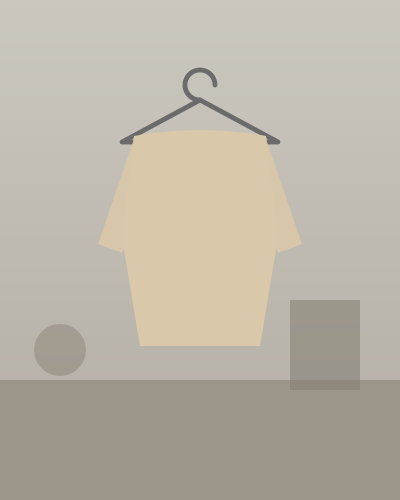 Before
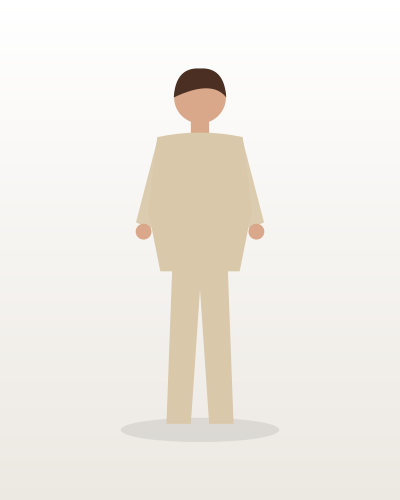 After
Pricing
Free to try
2 photos
Watermarked samples on every new account. No card needed.
Standard
$0.25 / photo
All model and scene styles, full resolution, no watermark.
Pro
$0.40 / photo
Pro styles use Google's higher-quality image model for finer detail.
Prepay what you need. No subscription.
Add $10, $20 or $50 and each photo deducts its price. Unused balance never expires.
Frequently asked questions
Will the AI change my product?
Every preset tells the image model to keep your product exactly as photographed: color, logo, text, pattern and shape. AI can still make mistakes, so check each photo before you list it. If a generation fails or is blocked, you are not charged.
What size should my Poshmark photos be?
Pick Square (1:1) in HangerShot so the cover photo shows fully in the listing tile.
How much does it cost?
You prepay a balance ($10, $20 or $50) and each photo deducts a flat price: $0.25 for standard presets and $0.40 for Pro presets. There is no subscription, and new accounts get 2 free watermarked samples.